















































Quickbooks
Quickbooks
-
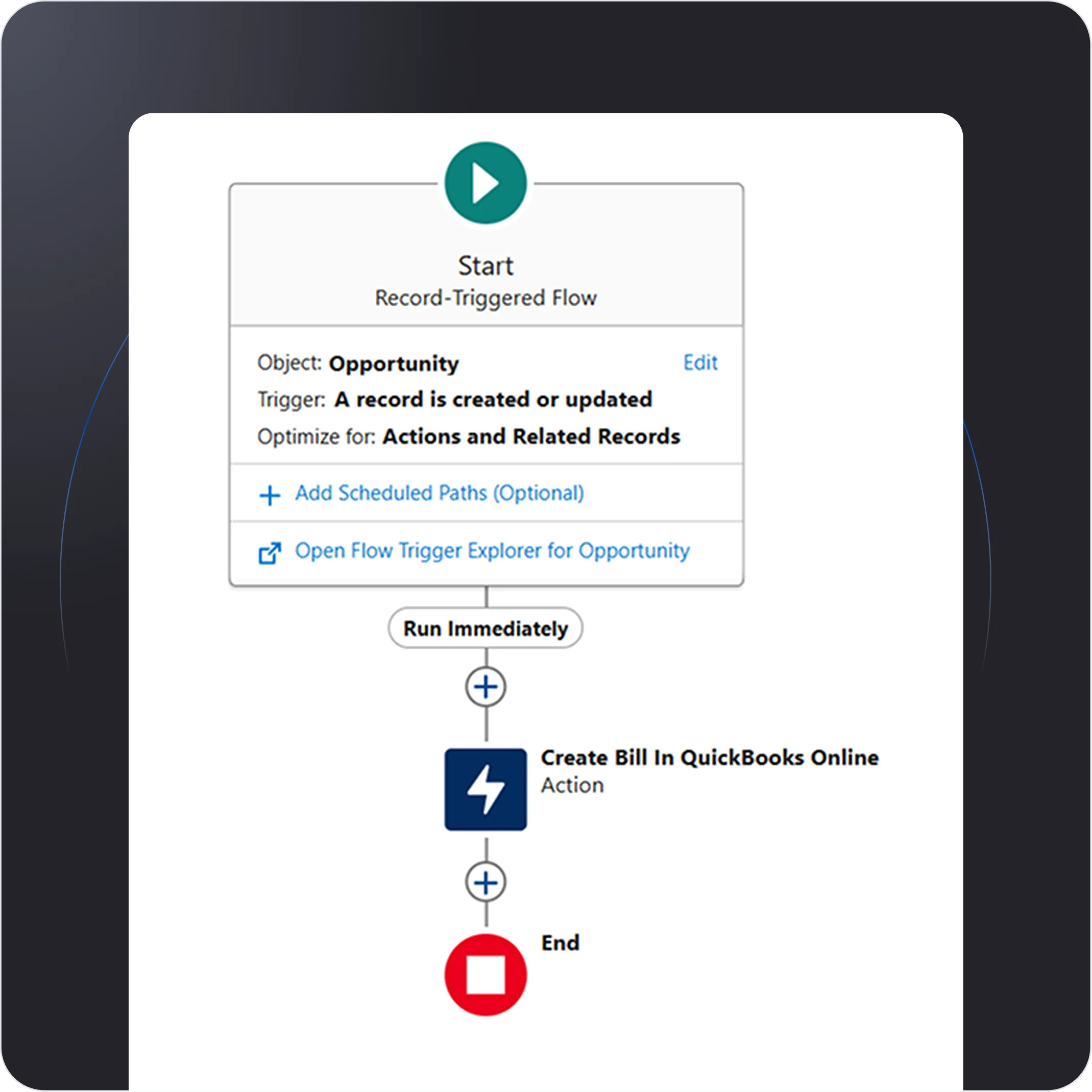
Bi-Directional Bill Creation and Status Synchronization

Seamlessly create and synchronize bills between QuickBooks and Salesforce in both directions. Automatically update bill statuses in real-time, ensuring accurate financial tracking across both platforms. Streamline accounting workflows by reducing manual data entry and ensuring consistency in billing records.
-
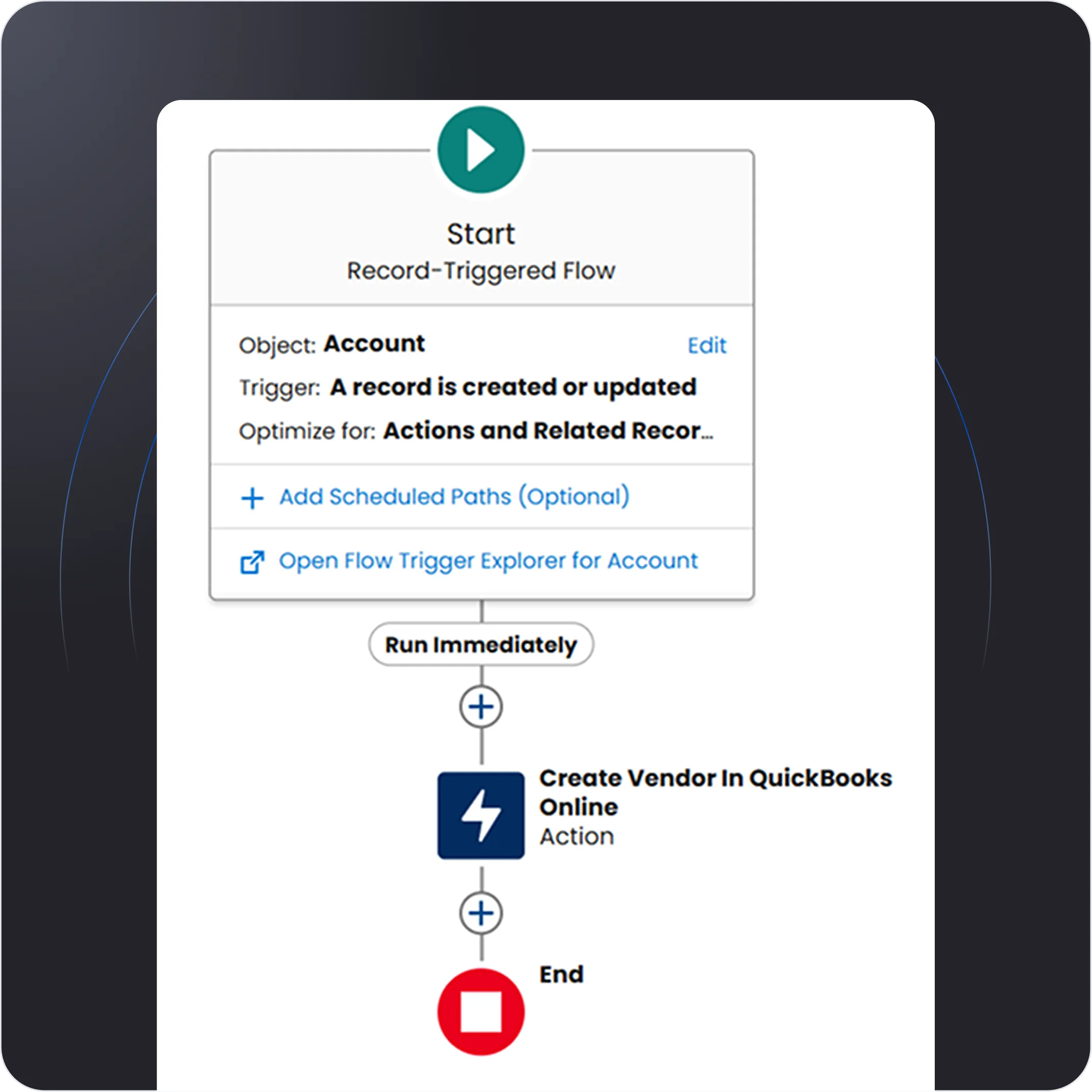
Vendor & Customer Creation
Easily create and sync vendor and customer records between QuickBooks and Salesforce. Automate the flow of essential business data to ensure accurate, up-to-date profiles across both platforms. Improve your financial management by keeping vendor and customer details synchronized and accessible.
-
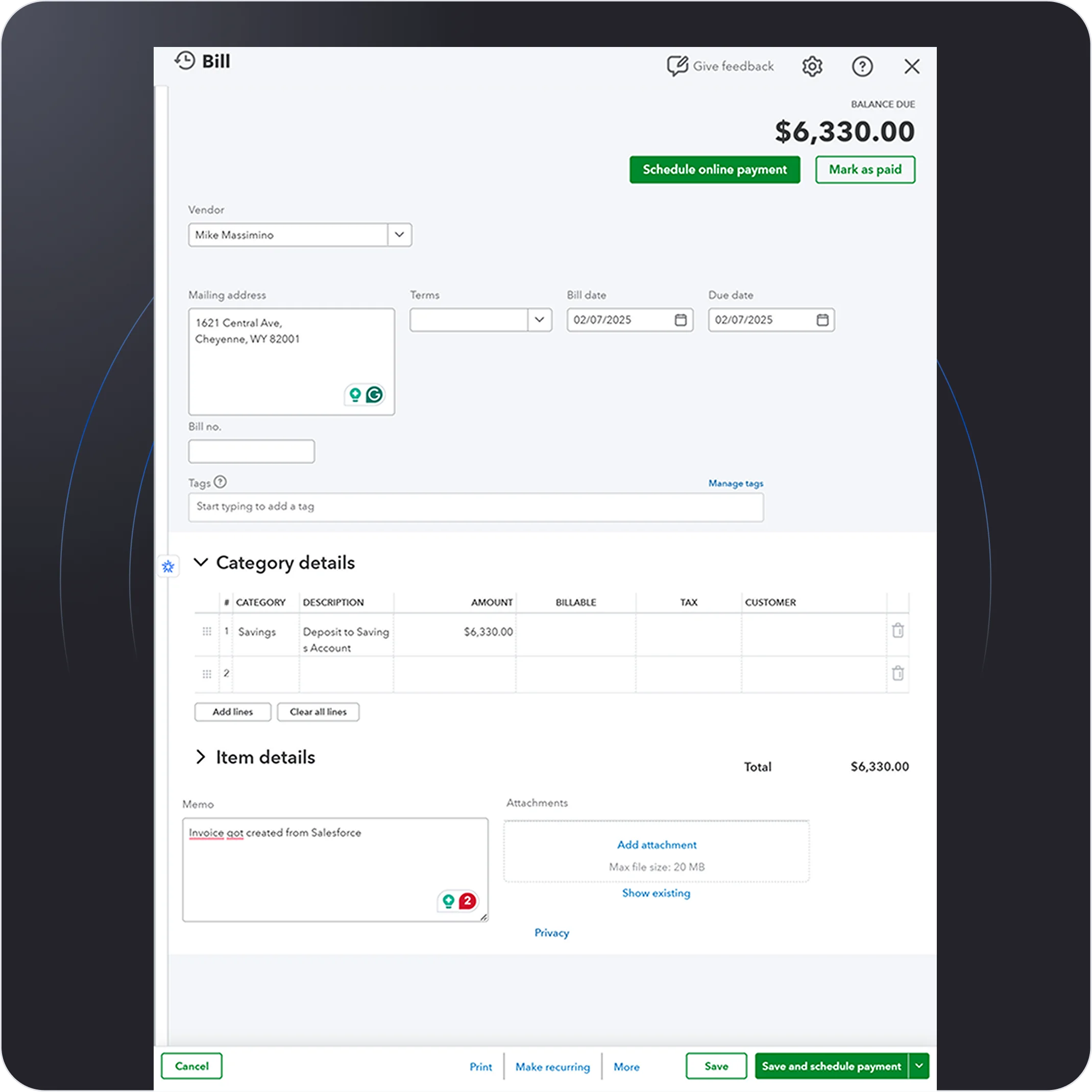
Quickbooks Invoice Sync to Salesforce
Sync QuickBooks invoices directly to Salesforce for seamless financial tracking. Automatically push invoice data to Salesforce, ensuring your records are always up-to-date. Streamline invoicing and improve visibility by connecting your accounting and CRM systems effortlessly.
Jira
Jira
-
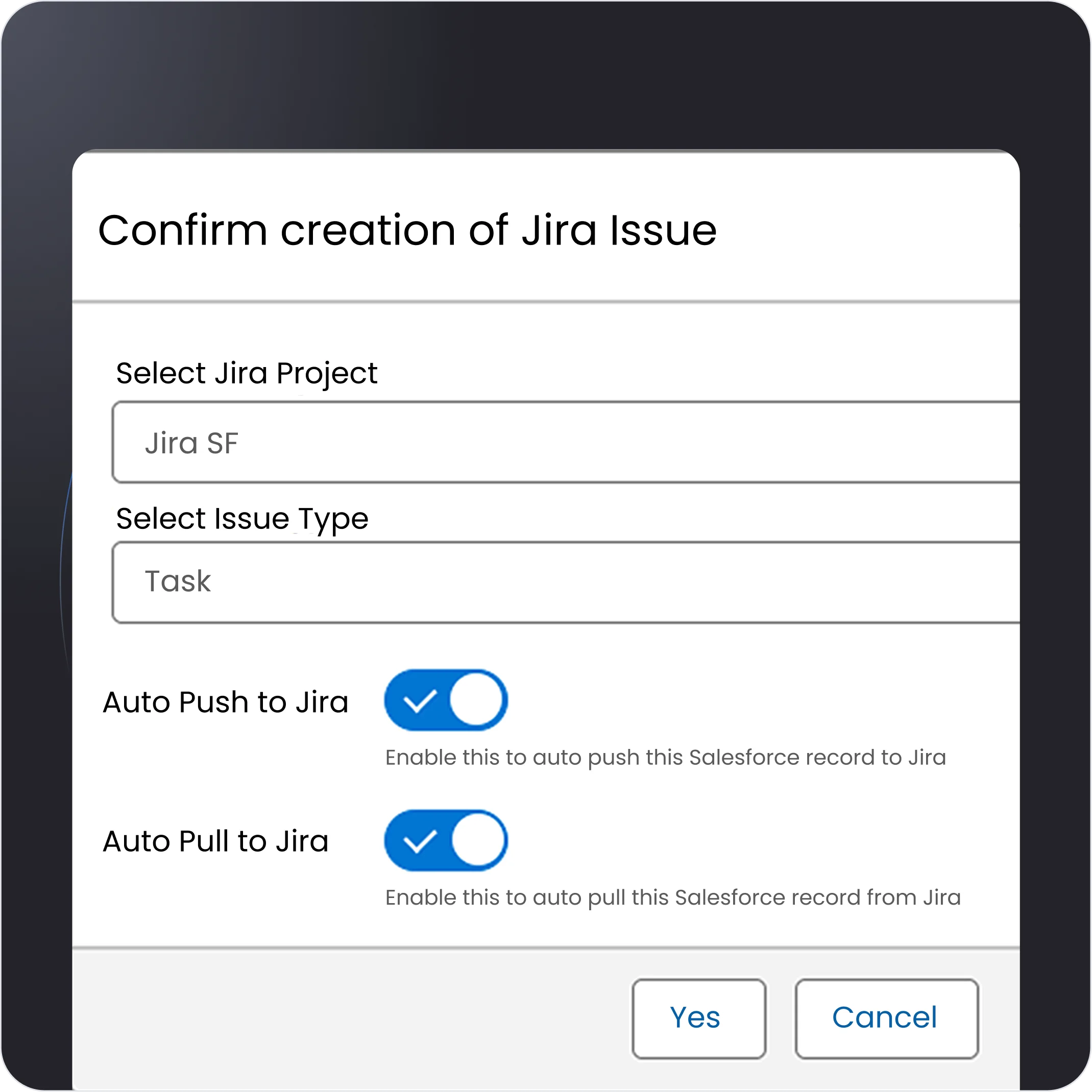
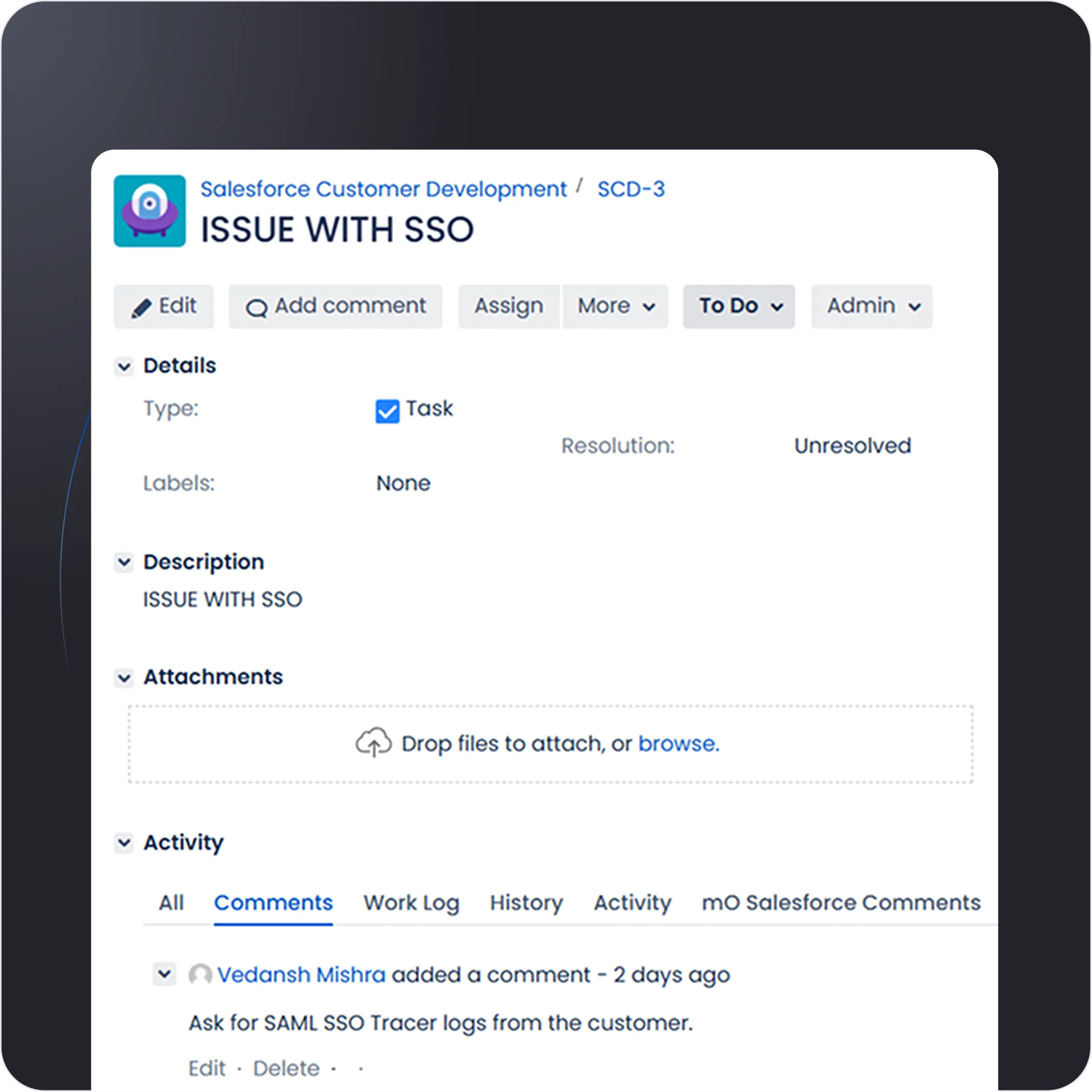
Case Synchronization
Seamlessly synchronize cases between Salesforce and Jira for real-time updates. Ensure smooth communication by keeping both platforms in sync, improving team collaboration. Effortlessly track and resolve customer issues across systems without manual data entry.
-
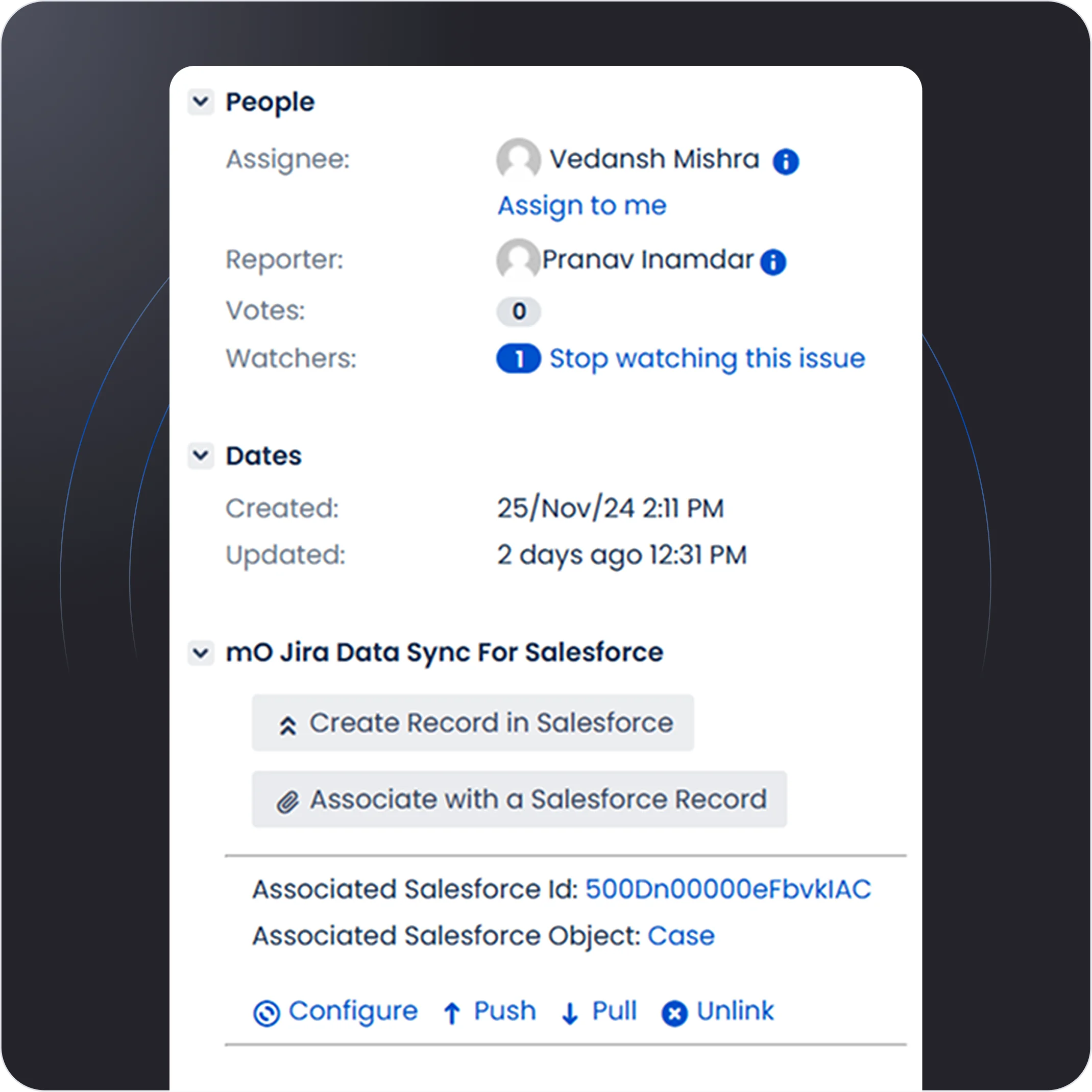
Realtime Issue Search
Effortlessly link Jira issues to Salesforce records for a unified view. Search and access issues in real-time across both platforms, ensuring fast, accurate information retrieval. Streamline issue management by connecting related data in just a few clicks
-
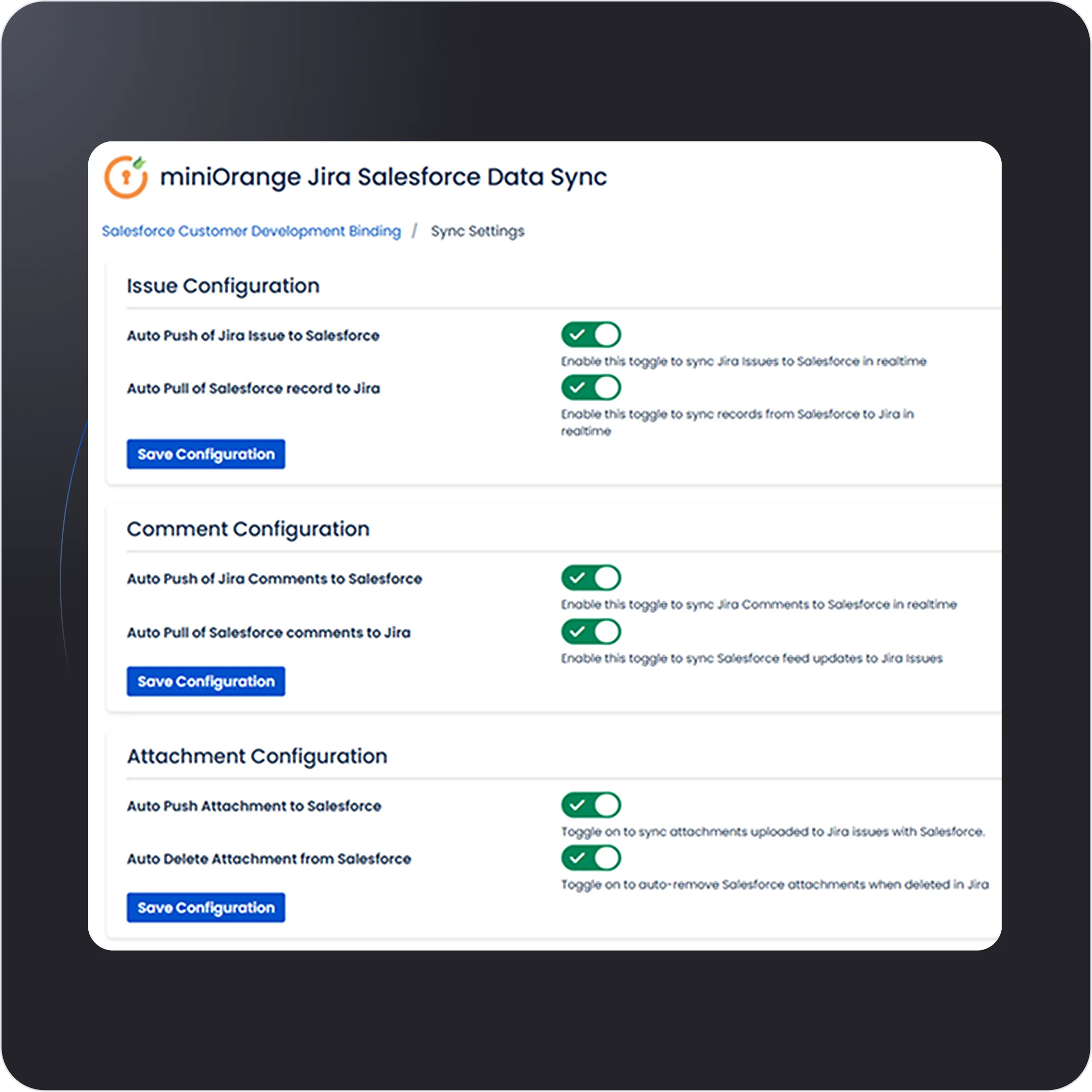
Multiple Objects Support ( Comments, Attachments, etc)
Easily sync multiple objects, including comments, attachments, and more, between Salesforce and Jira. Keep your data up-to-date across both platforms, ensuring nothing gets missed. Streamline workflows with seamless transfer of important case details and updates.
-
Workflow Integration
Extend your workflows with seamless trigger-based integration between Salesforce and Jira. Set up automatic actions like pushing Jira issues to Salesforce or auto-posting comments. Improve efficiency by eliminating manual steps and ensuring real-time synchronization across platforms.
WordPress / WooCommerce
WordPress / WooCommerce
-
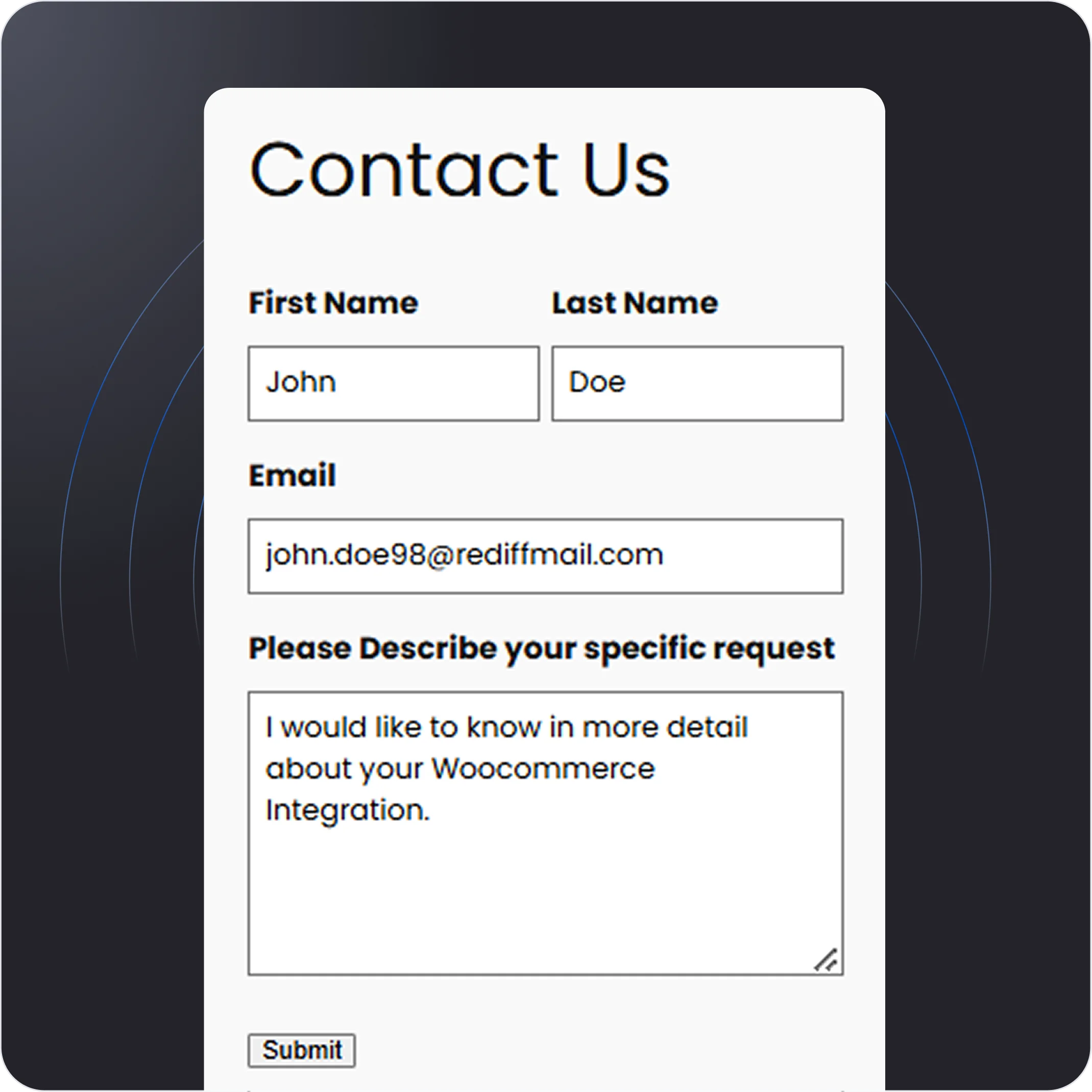
Web-to-Lead Generation (Accounts, Contacts, etc)
Capture leads directly from your WordPress site and instantly push them into Salesforce as Accounts, Contacts, or Opportunities. Streamline your lead management process by automating data entry and reducing manual effort. Convert web visitors into valuable leads without missing a beat.
-
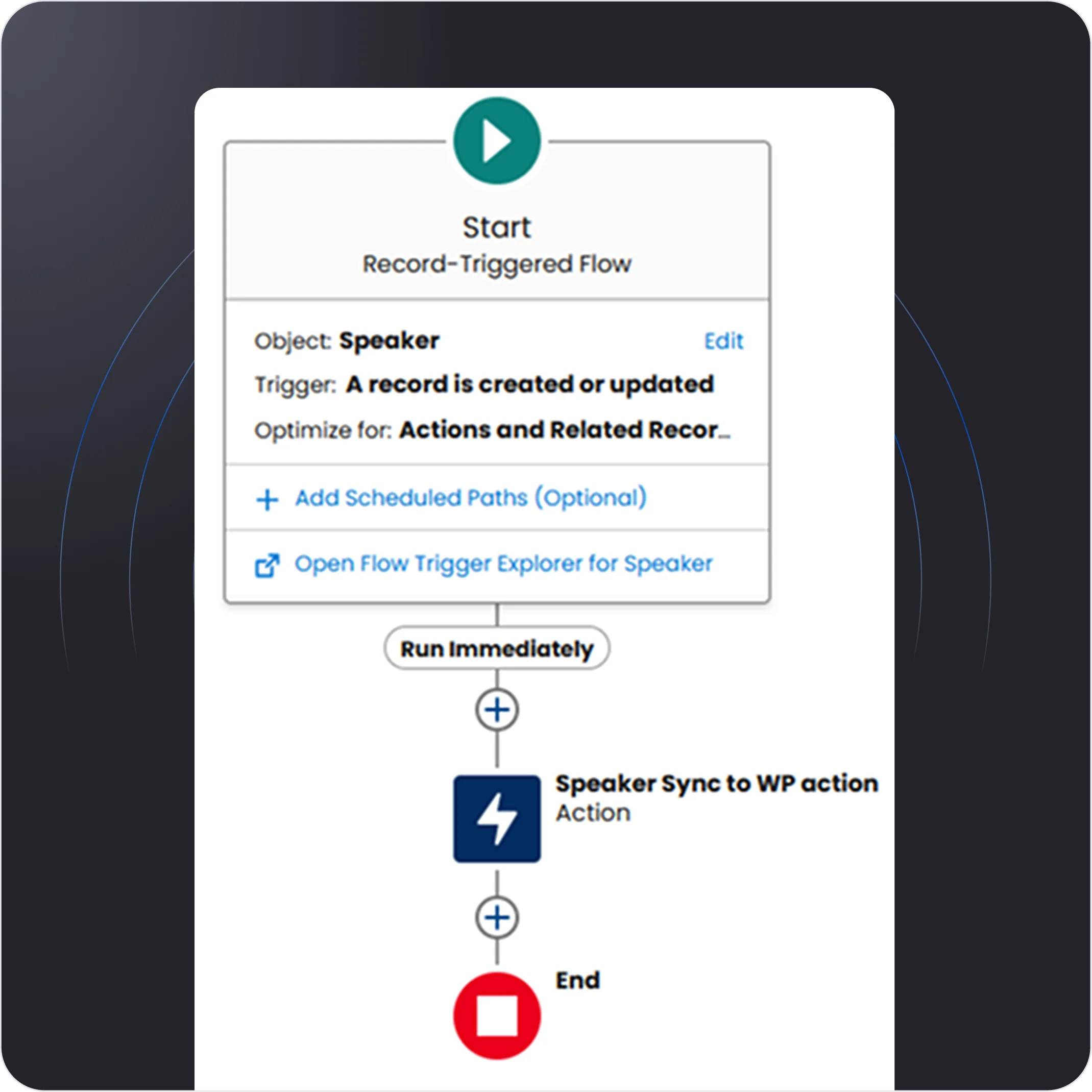
Custom Post Type Sync
Sync your WordPress custom post types Bi-Directionally with Salesforce to manage content and data seamlessly. Automatically transfer custom posts, categories, and metadata to Salesforce for better organization. Keep your content and CRM connected for enhanced workflow and data consistency.
-
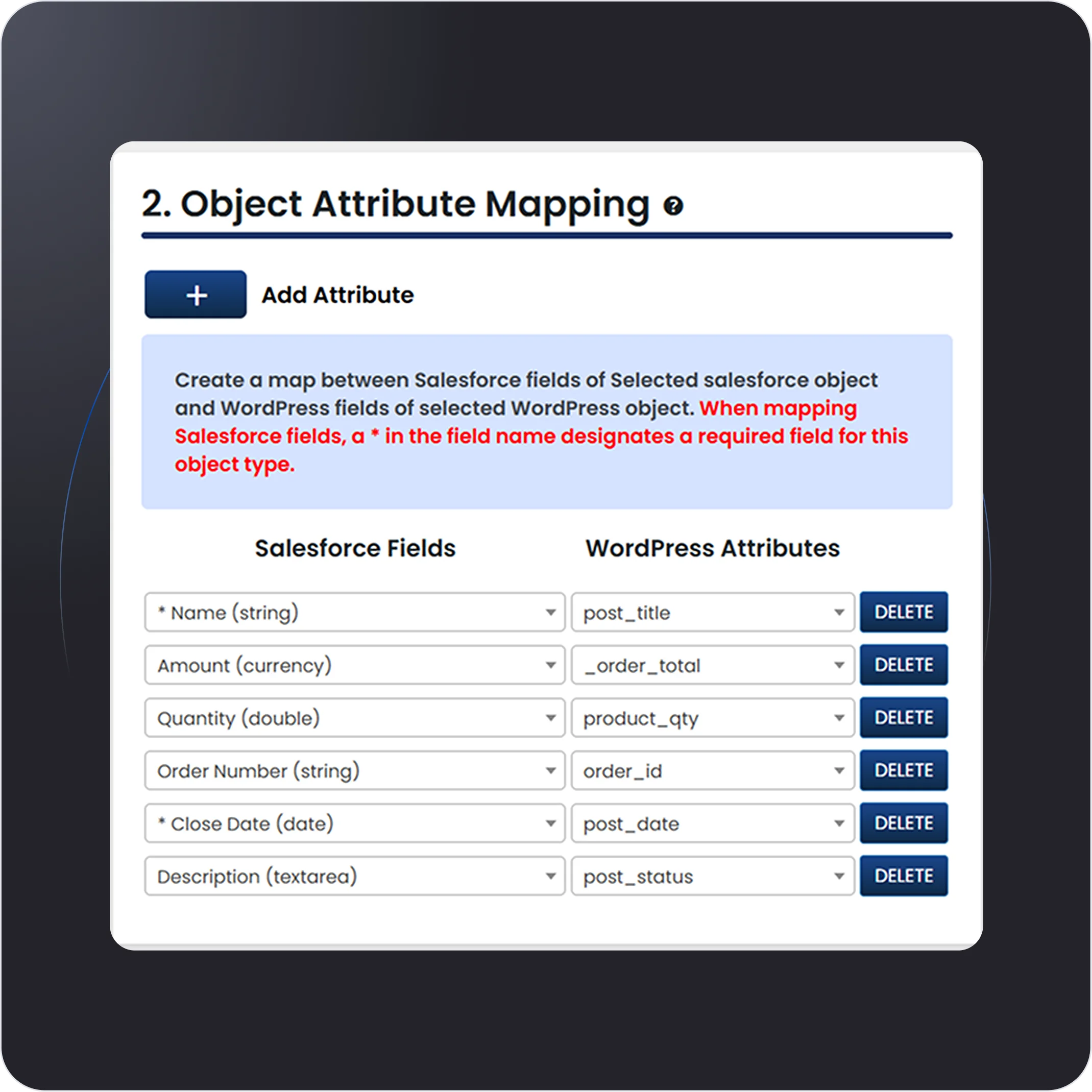
WooCommerce Products, Order Sync
Sync your WooCommerce products and orders directly with Salesforce for real-time inventory and sales tracking. Automate order management by pushing new sales data to Salesforce, keeping your customer and product information up-to-date. Streamline your e-commerce and CRM workflow in one seamless integration.
-
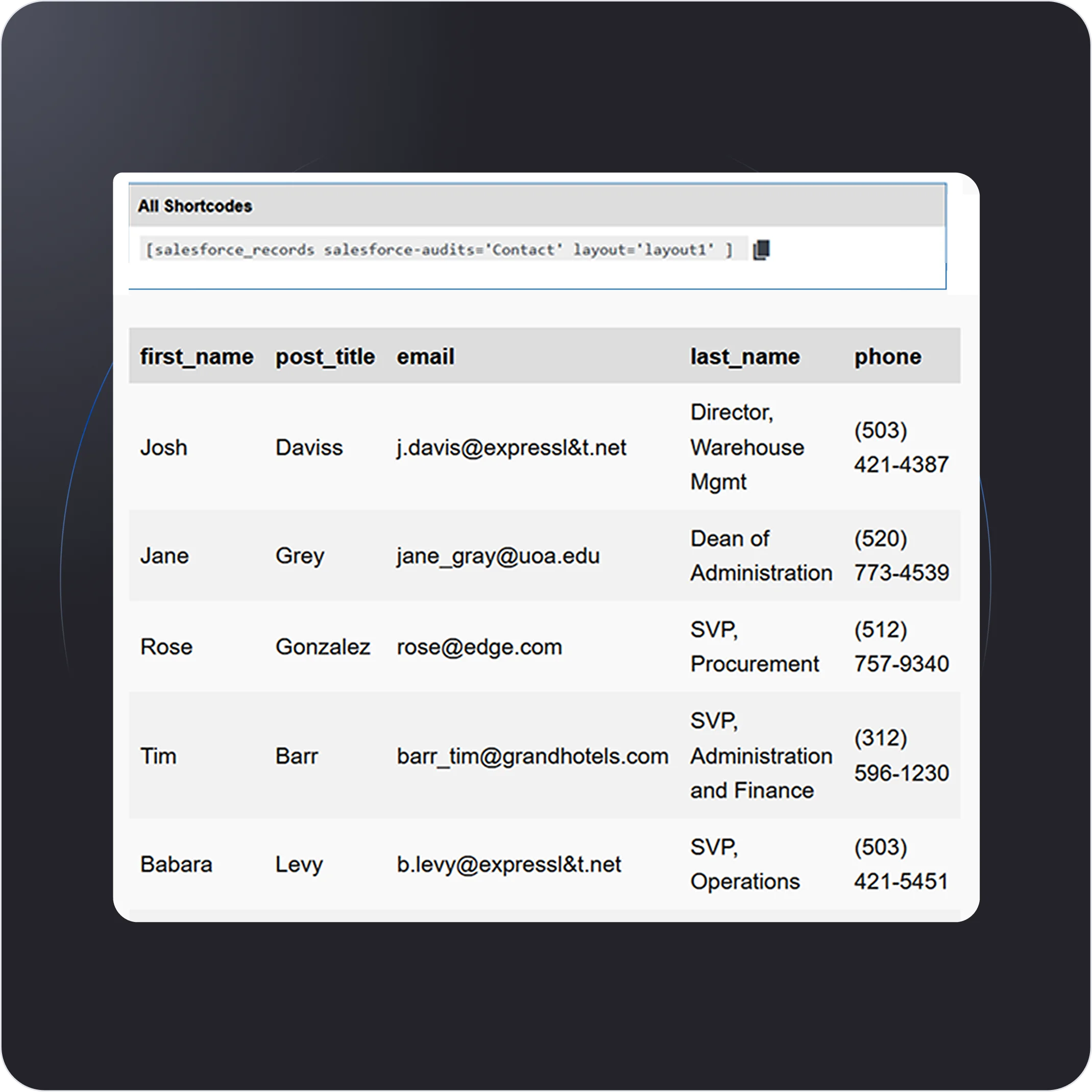
Realtime Data Visualization and Embedding
Embed Salesforce data directly into your WordPress site for real-time visual insights. Display up-to-date charts, reports, and dashboards on your website, making data-driven decisions accessible to your team and customers. Enhance user experience with interactive, live data right on your site.
Shopify
Shopify
-
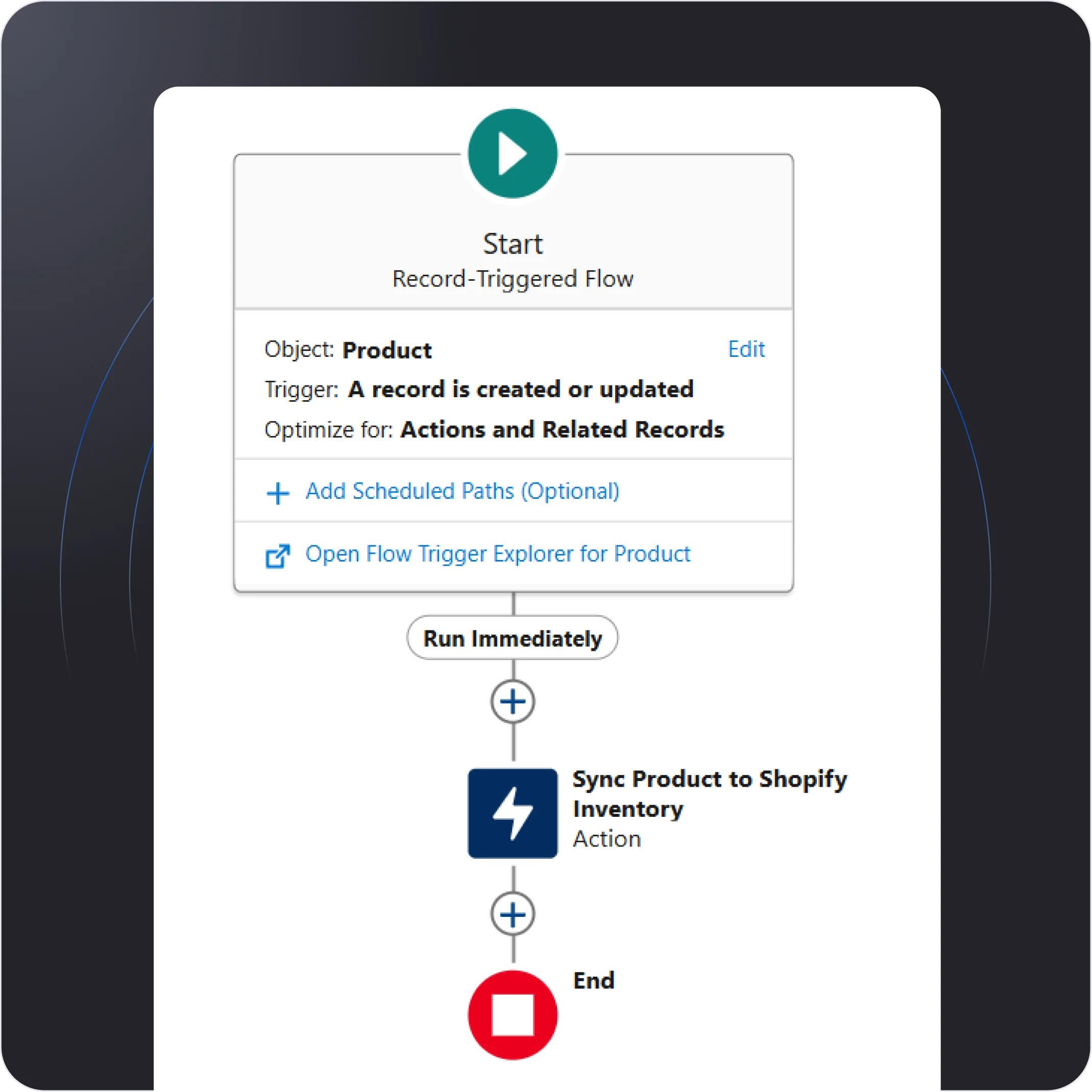
Real-Time Inventory Synchronization
Keep your Shopify store’s inventory levels in sync with Salesforce in real-time. Automatically update stock quantities, prevent overselling, and ensure accurate product availability across both platforms. Manage inventory seamlessly and avoid costly stock discrepancies.
-
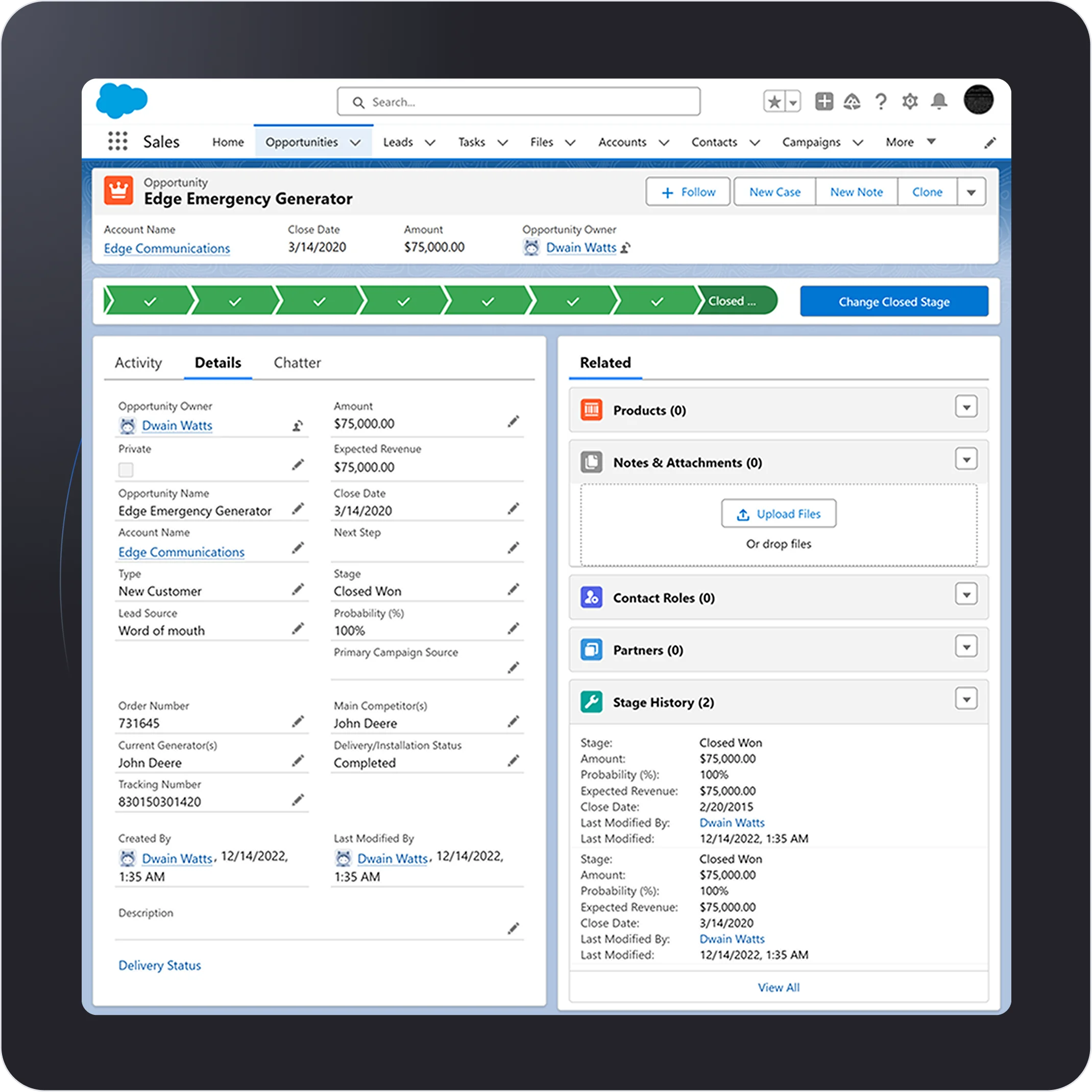
Customer Purchase History Sync
Sync customer purchase history between Shopify and Salesforce to gain deeper insights into buying behavior. Automatically update Salesforce with detailed order history, allowing your sales team to offer personalized recommendations and improve customer relationships.
-
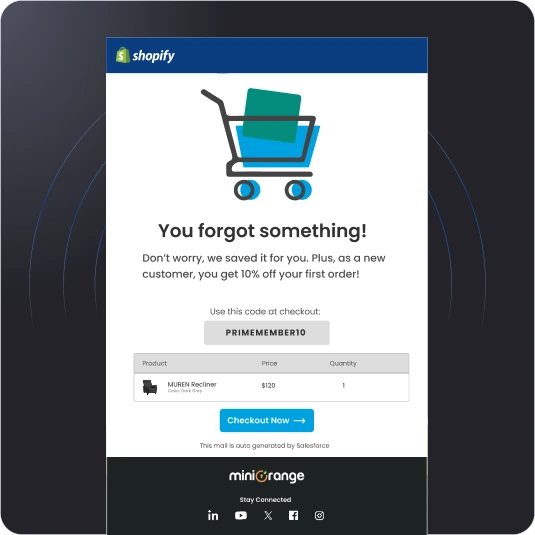
Automated Post-Purchase Follow-ups
Trigger automated post-purchase follow-up workflows in Salesforce based on Shopify order data. Send personalized emails, offers, or surveys to customers automatically after their purchase. Enhance customer engagement and boost repeat business with tailored communication.