Search Results :
×Search Results :
×30k+
Premium Customers
4.9+
Ratings
24 x 7
Available for you


















Step 01
Install Shopify SSO Login application
To install the Shopify SSO application on your Shopify store, click the add application button below.

Step 02
Select the SSO protocol that is supported by your IDP
To set up SSO in Shopify with your IDP (Microsoft Entra ID, Okta, Auth0, AWS Cognito), select the protocol type (SAML/OAuth/OpenID) from the options.

Step 03
Share configure settings for your (Shopify) SP and IDP
Exchange the necessary information between SP and IDP such as metadata or callback URL to establish trust between these two parties and successfully secure your store with Shopify SSO.

Step 04
Test Connection! You have completed Shopify SSO configuration!
Click on “Test Connection” to confirm that everything is connected correctly. Once the connection is successful, your Shopify SSO setup is complete.







Connect & login via Shopify Single Sign On using Azure, O365, Okta, Salesforce, ADFS, Keycloak, and many more IDPs. Effortlessly activate Single Sign-On (SSO) on your Shopify store with our app, seamlessly connecting to any Identity Provider supporting SAML, OAuth, JWT, and OpenID Connect protocols.
 Auth0
Auth0
 Google
 Keycloak
 Azure
Azure
 Okta
Okta
 Shopify
 Cognito
 WordPress
 PingIdentity
 OneLogin

Note: We offer flexible quarterly and half-yearly pricing plans designed to suit your requirements and deliver great value. Get in touch with us today.
Starter
Non PlusFor Individuals and Small Businesses
$99/month
 1000 Active Unique users
Growth
Non PlusFor Medium & Large Scale Businesses
$169/month
4000 Active Unique users
Starter
Non PlusFor Individuals and Small Businesses
$99/month
100 Active Unique users
Growth
Non PlusFor Medium & Large Scale Businesses
$299/month
1000 Active Unique users
Starter
Non PlusFor Individuals and Small Businesses
$89/month
Billed once yearly
1000 Active Unique users
Scale
Non PlusFor Small Businesses
$134/month
Billed once yearly
3000 Active Unique users
Growth
Non PlusFor Medium & Large Scale Businesses
$152/month
Billed once yearly
4000 Active Unique users
All Inclusive
Non PlusFor Enterprise Requirements
Custom
Billed once yearly
4k+ Active Unique users
Starter
Non PlusFor Individuals and Small Businesses
$89/month
Billed once yearly
100 Active Unique users
Scale
Non PlusFor Small Businesses
$206/month
Billed once yearly
500 Active Unique users
Growth
Non PlusFor Medium & Large Scale Businesses
$269/month
Billed once yearly
1000 Active Unique users
All Inclusive
Non PlusFor Enterprise Requirements
Custom
Billed once yearly
1000+ Active Unique users
Starter
PlusFor Individuals and Small Businesses
$134/month
Billed once yearly
1000 Active Unique users
Scale
PlusFor Small Businesses
$224/month
Billed once yearly
2000 Active Unique users
Growth
PlusFor Medium & Large Scale Businesses
$296/month
Billed once yearly
4000 Active Unique users
All Inclusive
PlusFor Enterprise Requirements
Custom
Billed once yearly
4k+ Active Unique users
Starter
PlusFor Individuals and Small Businesses
$134/month
Billed once yearly
200 Active Unique users
Growth
PlusFor Medium & Large Scale Businesses
$269/month
Billed once yearly
1000 Active Unique users
All Inclusive
PlusFor Enterprise Requirements
Custom
Billed once yearly
1000+ Active Unique users
Starter
Non PlusFor Individuals and Small Businesses
$74/month
Billed once every 3 years
1000 Active Unique users
Scale
Non PlusFor Small Businesses
$112/month
Billed once every 3 years
3000 Active Unique users
Growth
Non PlusFor Medium & Large Scale Businesses
$127/month
Billed once every 3 years
4000 Active Unique users
All Inclusive
Non PlusFor Enterprise Requirements
Custom
Custom
4k+ Active Unique users
Starter
Non PlusFor Individuals and Small Businesses
$74/month
Billed once every 3 years
100 Active Unique users
Scale
Non PlusFor Small Businesses
$172/month
Billed once every 3 years
500 Active Unique users
Growth
Non PlusFor Medium & Large Scale Businesses
$224/month
Billed once every 3 years
1000 Active Unique users
All Inclusive
Non PlusFor Enterprise Requirements
Custom
3 years
1000+ Active Unique users
Starter
PlusFor Individuals and Small Businesses
$112/month
Billed once every 3 years
1000 Active Unique users
Scale
PlusFor Small Businesses
$187/month
Billed once every 3 years
2000 Active Unique users
Growth
PlusFor Medium & Large Scale Businesses
$247/month
Billed once every 3 years
4000 Active Unique users
All Inclusive
PlusFor Enterprise Requirements
Custom
Billed once every 3 years
4k+ Active Unique users
Starter
PlusFor Individuals and Small Businesses
$112/month
Billed once every 3 years
200 Active Unique users
Scale
PlusFor Small Businesses
$172/month
Billed once every 3 years
500 Active Unique users
Growth
PlusFor Medium & Large Scale Businesses
$224/month
Billed once every 3 years
1000 Active Unique users
All Inclusive
PlusFor Enterprise Requirements
Custom
Billed once every 3 years
1000+ Active Unique users
What is an active unique user? How are active unique users calculated?
A active unique user is someone who logs in to your store at least once within a month. Even if they log in multiple times, they are counted as a single active unique user for that month.
Data Privacy Policy:
Our Shopify SSO app does not store any data from your Identity Provider (IdP) except the customer’s email address, used only for login audit purposes. All other customer and store data remain securely within your Shopify store.
| Starter | Scale | Growth | All Inclusive | |
|---|---|---|---|---|
| Number of Unique Users Allowed | ||||
| Attribute Mapping | Basic | Advance | Metafield | Any Custom Attribute |
| Redirect all SSO users to specific URL after Login or Logout |

|
|
|
|
| Multipass Login Support |
|
|
|
|
| MFA and RBA supported |
|
|
|
|
| Auto Account Activation |
|
|

|
|
| Account Linking |
|
|
|
|
| Auto Register Users |
|
|
|
|
| Login Button Customization |
|
|
|
|
| Protect Complete Store with SSO (Forced Authentication) |

|
|
|
|
| Auto Redirect to IDP |
|
|
|
|
| Mobile SSO (JWT Login) |
|
|
|
|
| SSO login redirect |
|
|
|
|
| Auto Update User Profile |
|
|
|
|
| Email Domain Based Restriction |
|
|
|
|
| Auto Tagging (After SSO) |
|
|
|
|
| Hide & Disable Shopify Default Login |
|
|
|
|
| IDP initiated SSO |
|
|
|
|
| Multiple IDP Support |
|
|
|
|
| Get User JWT Token, User Token, and Customer Access Token After Authentication |
|
|
|
|
| Single Logout Endpoint (SLO) |
|
|
|
|
| Extend User Session Duration |

|
|
|
|
| Block SSO based on attributes from IDP |
|
|
|
|
| Block SSO based on attributes from Shopify |
|
|
|
|
| Restrict User Sign up |
|
|
|
|
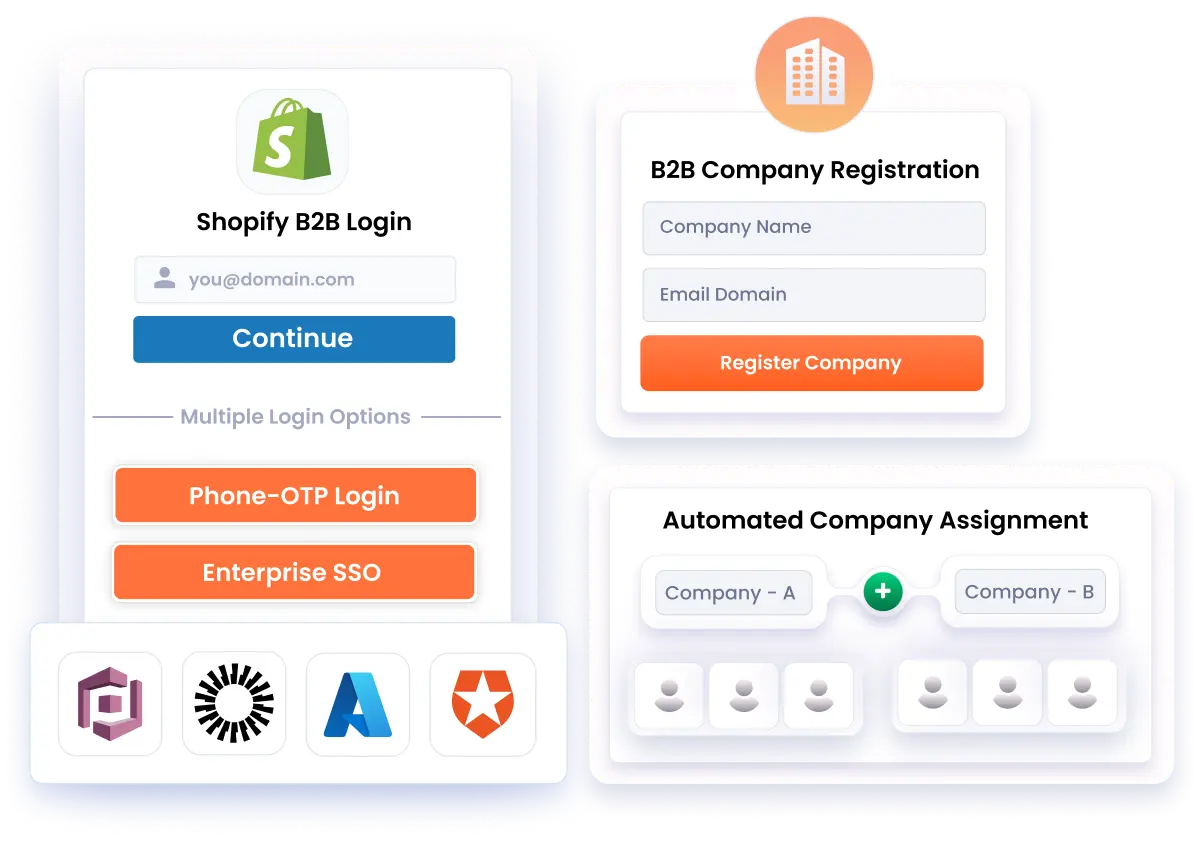
Discover real-world scenarios where Single Sign-On (SSO) delivers secure, centralized login across Shopify storefronts, mobile apps, and B2B setups
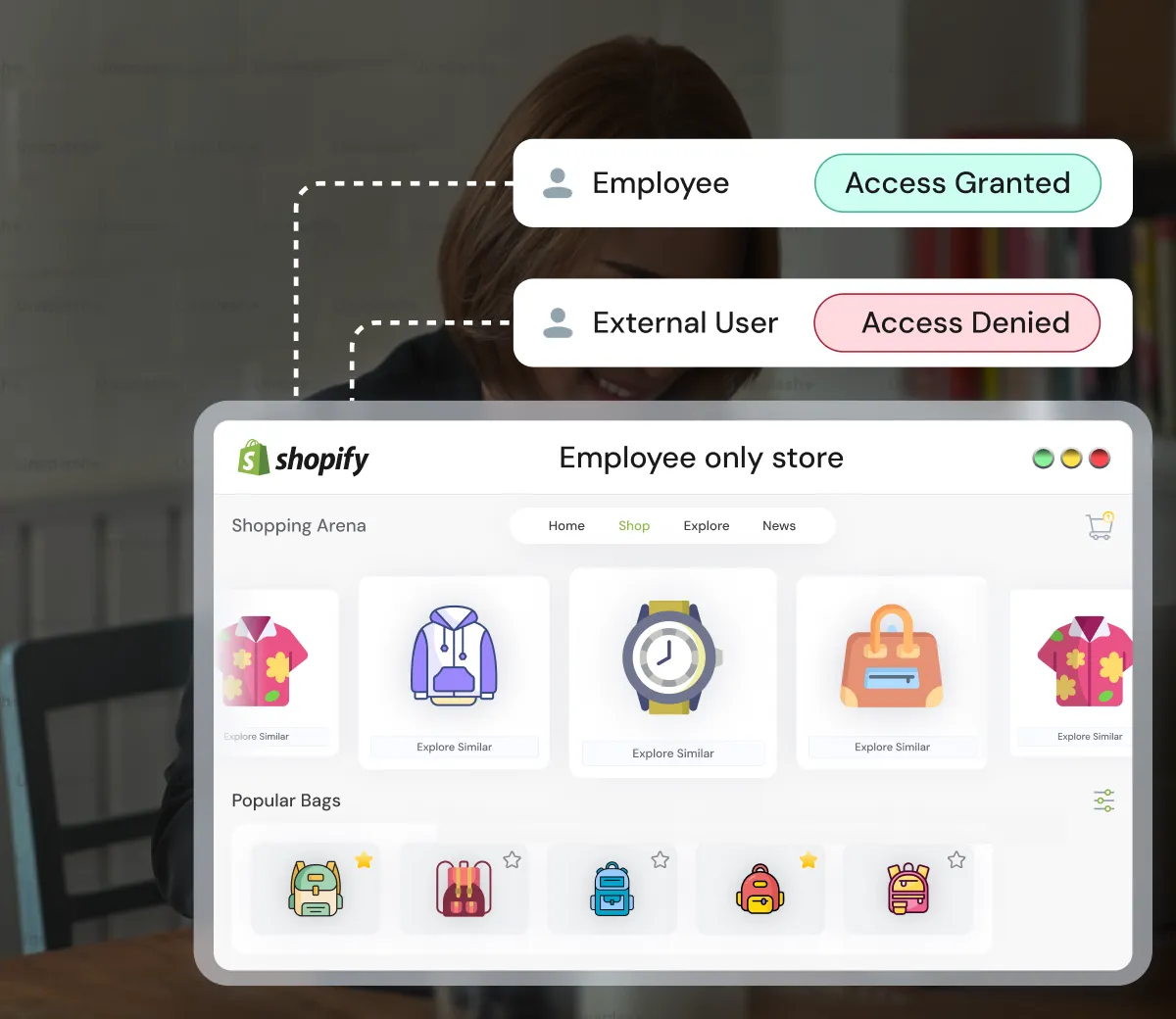
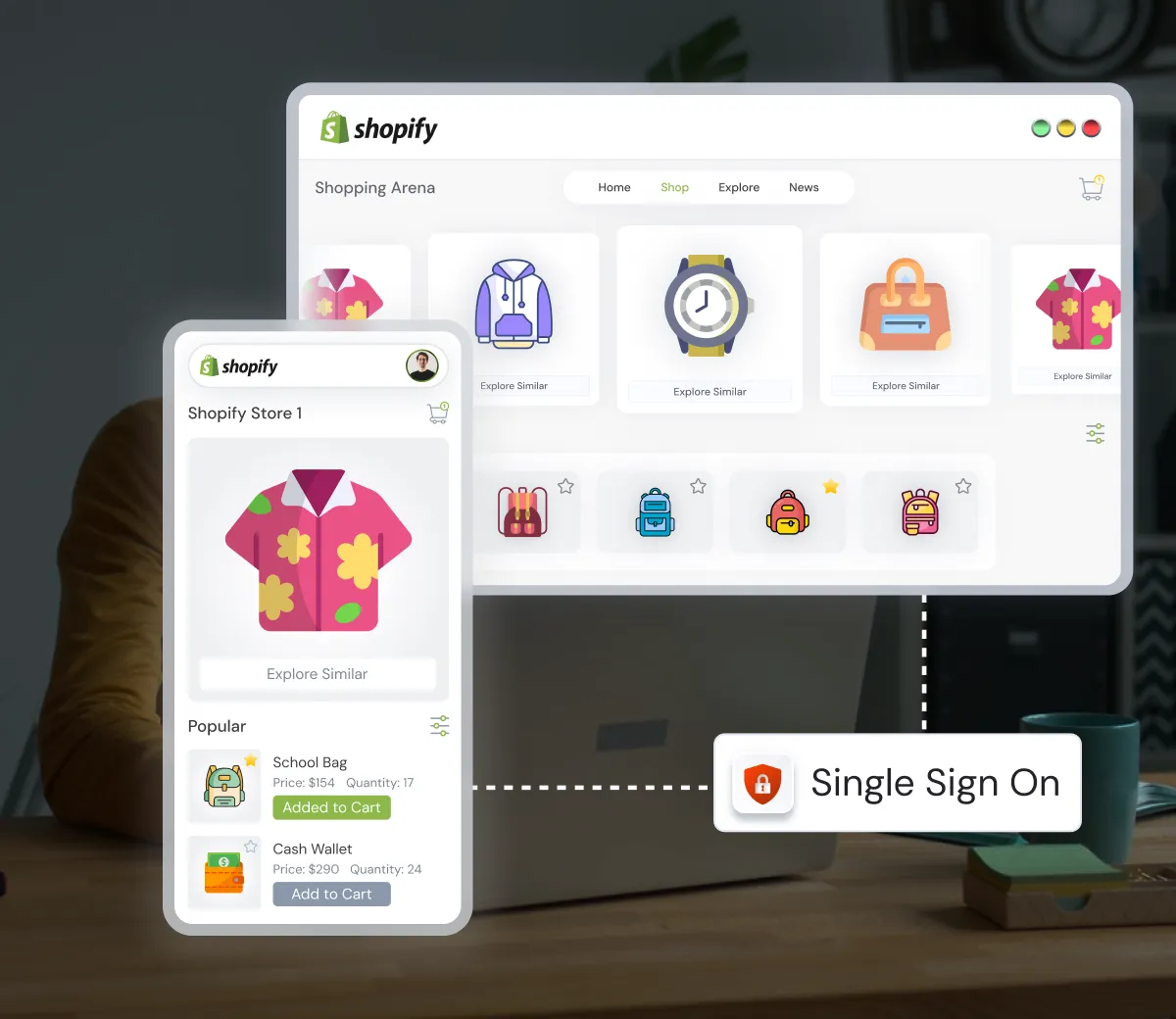
Enable seamless authentication across multiple Shopify storefronts with single-click login using our Shopify Single Sign-On (SSO) solution. Allow users, including employees, customers, wholesalers, partners, and B2B users, to sign in once via existing IDP credentials and access multiple Shopify Plus or non-Plus stores without managing separate logins.

 Contact Us
 Pricing
Yes, the Shopify SSO application provides a 15-days free trial. With this trial you can check out all features we offer, including integration with popular identity providers (IdPs) and testing the complete SSO login flow for Shopify customer and legacy Accounts. The free trial is available on first installation, giving you enough time to test the app for your use case before choosing a paid plan.
Yes, the SSO will work for the next user. We'll send email notifications at 80%, 90%, and 100% usage when Shopify SSO usage approaches its allocated limit. When you reach 80%, we recommend that you consider upgrading your plan. At 90%, we'll emphasize the significance of avoiding disruptions. With a 7-day grace period, an immediate upgrade is strongly advised at 100%.
Yes, you can upgrade or downgrade your Shopify SSO plan at any time. Plan changes take effect immediately. This lets you switch plans based on your current business needs without reinstalling or reconfiguring the app. Pricing changes are applied smoothly based on the plan you select.
Yes, we provide 24*7 support for setting up the application and resolving any issues you might face while using the SSO application. You can get prioritized support based on the Support Plan you have opted for.
Yes, Shopify Single Sign-On (SSO) is suitable for small businesses, including both B2C and B2B stores. It works with both Shopify Plus and non-Plus plans. It simplifies customer login by allowing users to sign in with their existing identity providers. Additionally, it improves security by reducing the need for managing multiple passwords. This makes it a strong option for small businesses aiming to enhance user experience while supporting future growth.
 General
Yes, you can connect multiple Shopify stores with one login using Shopify Single Sign-On (SSO). With SSO, customers or employees log in once through a central Identity Provider (IdP) and can then access several Shopify stores without logging in again. This helps you keep one set of credentials for all connected stores, which improves user experience and reduces password fatigue.
After setting up SSO, you can redirect customers to any page of your choice. Go to the Shopify (SSO) Single Sign On application. For your preferred IdP, under the Action tab, click More Actions and select Additional Settings. In the Redirect URL after Login section, specify the endpoint where you want users to be redirected after SSO login.
Yes, the Shopify single sign-on solution supports Multi-Factor Authentication (MFA). Along with SSO login, users may be required to verify their identity using an extra factor such as SMS, OTP, or an authenticator app. By combining Shopify SSO with MFA, you can implement an additional security layer to protect both Shopify customer accounts and store data, while still offering a convenient one-click login into Shopify.
To set up SSO with SAML in Shopify, install the Shopify SSO app and open it from admin. Choose SAML as the SSO method and select or add your Identity Provider (IdP). Configure the SAML IDP configurations by exchanging metadata between Shopify and your IdP, such as ACS URL, Entity ID, and certificates. Map user attributes like email and name. Save the configuration and test the SSO login to confirm everything is working correctly.
Yes, the Shopify SSO application is compatible with both Shopify Plus and non-Plus stores, supporting customer accounts, legacy accounts, and B2B login flows.
Join our miniOrange partner/reseller program. Our program provides execlusive benefits and updates which help you serve your clients to grow their business.
Join as Partner →
Thank you for your response. We will get back to you soon.
Something went wrong. Please submit your query again
Need Help? We are right here!